Machine Repair Management Software for Complete Repair Control
One Connected Process Can Change How Your Team Handles Repairs
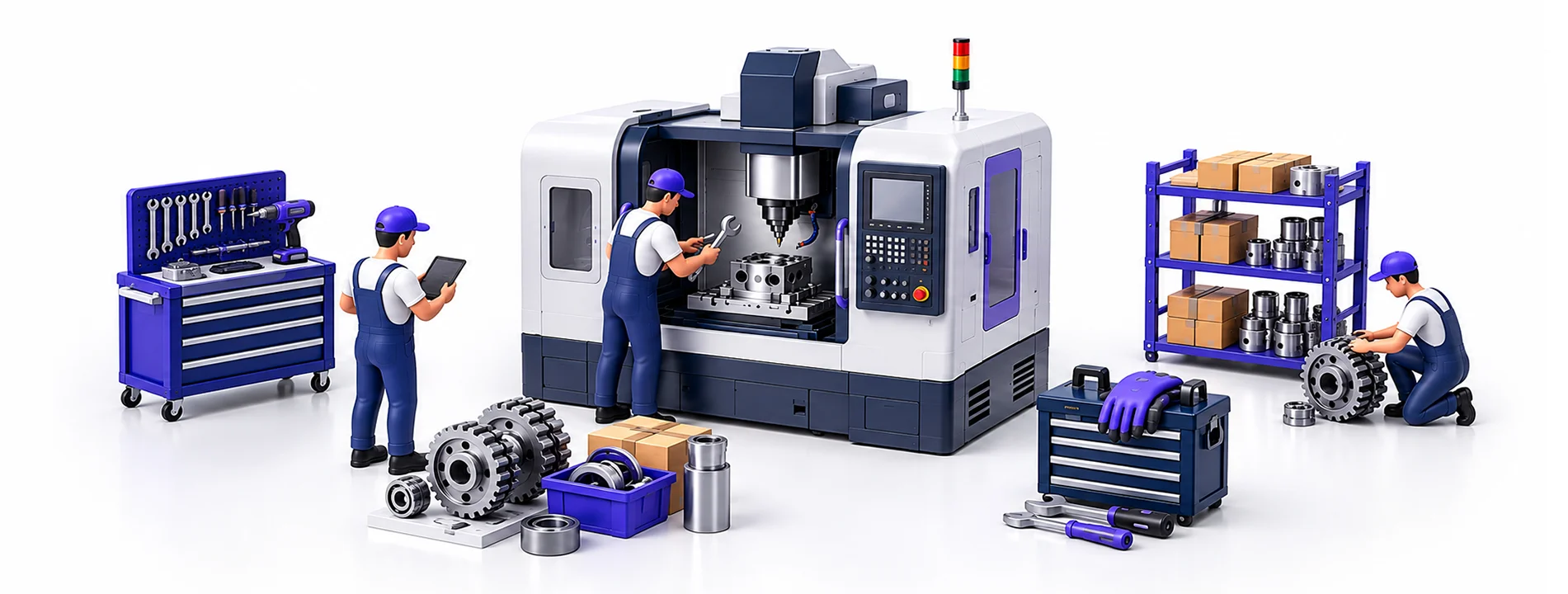
Machine repair management software keeps your repair work organized in one place, from receiving a repair request to completing the job. You have the option to control machine inspection, technician assignment, booking of spare parts, quoting, warranty information, and repair tracking through one platform. This connected workflow makes it easier to know what is happening with each repair and keep the work moving without unnecessary delays.

Small Repair Gaps Can Create Bigger Problems
Managing many machine repairs at once is very difficult because a machine may be waiting for a part, one may be with a technician, and another may be still waiting for a diagnosis. When it is not clear what the status of each repair is, your team is more likely to miss an update, forget to do a task, and take longer time to complete the repair.

Managers May Struggle to Track Repairs and Pending Tasks

Finding Machine History and Repair Details Takes Time

Repair Jobs May Not Be Assigned to the Right Technician or Team

Technicians Lose Time on Manual Updates

Missing Spare Parts Hold Up Repair Work

Customers Wait Too Long for Repair Estimates

Warranty Checks Delay Repair Decisions

Repair Jobs Get Stuck Between Different Stages
Powerful Tools for Every Part of the Repair Process
Machine repairs have a lot of particulars for each job, and sometimes they can be lengthy. The features provided below will provide a place to capture this information and assist you in working with it.
Comprehensive Machine Repair Dashboard

Monitor repair activity, job stages, approvals, warranty repairs, deliveries, and other key repair statuses from one dashboard.
Repair Request Management

Receive repair requests through the customer portal or create repair orders internally with the required machine and problem details.
Spare Parts Allocation

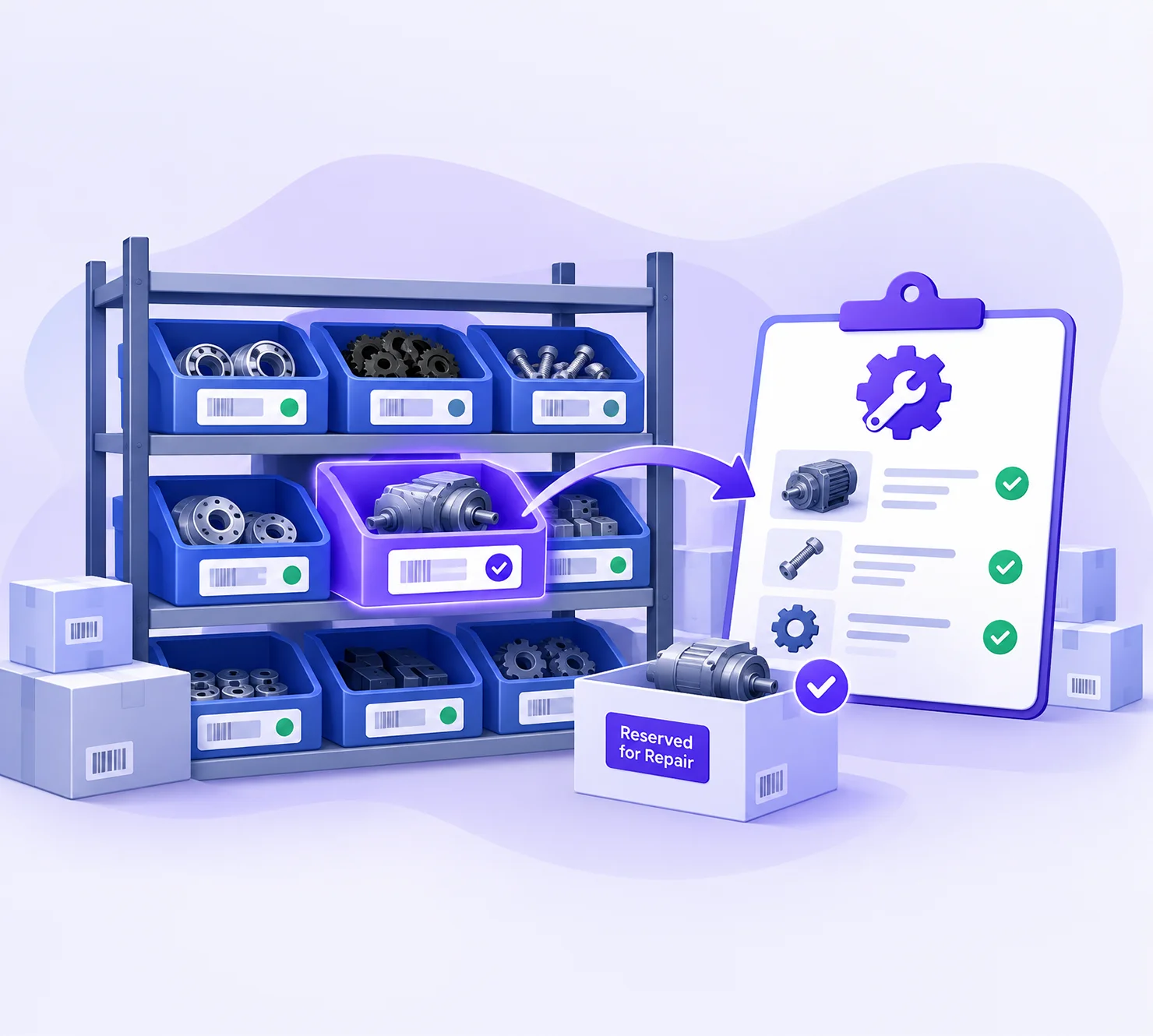
Reserve the parts needed for each repair and keep track of their allocation and usage during the job.
Repair Quotation Automation

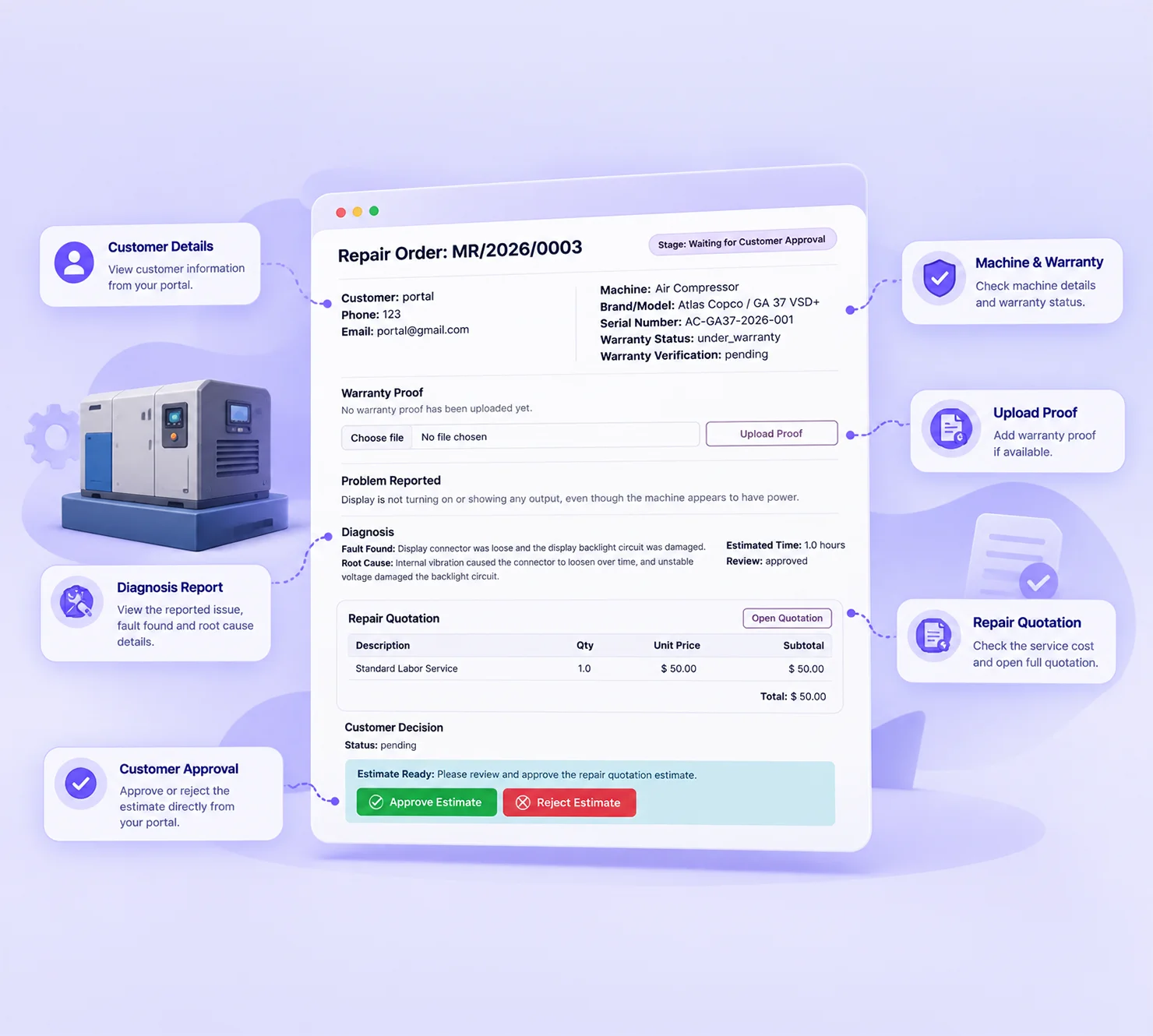
Automatically send repair quotations to customers and manage quotation approval as part of the repair workflow.
Machine Warranty Tracking

Manage warranty services, define covered and non-covered repair components, and apply warranty terms directly to repair orders.
Repair Team Assignment

Assign jobs to suitable technicians or teams and follow repair progress through each stage, including quality checks and process feedback.
Custom Machine Data Management

Keep machine brands, models, problem types, and other important machine details organized for easy access during repairs.
Job Cards & Repair Reports

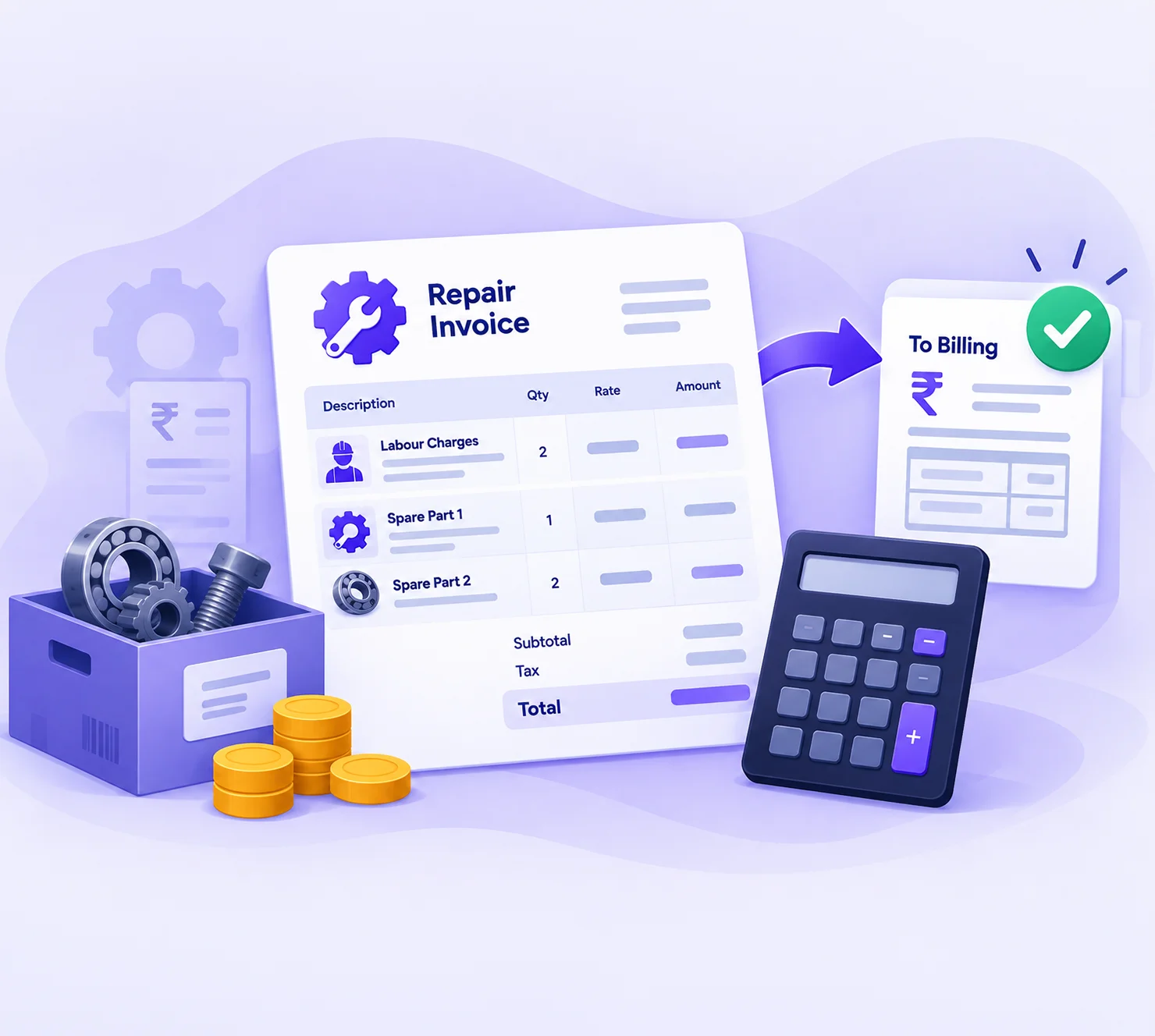
Create job cards, repair receipts, delivery documents, and cost details directly from repair orders for clear repair documentation.
Follow a Simple Process for Every Machine Repair
Every repair has its own set of checks and tasks. A clear workflow helps your team know what needs to be done at each stage and keeps the job moving without confusion.
Receive
Customer submits the repair request with machine details and the reported problem. Once the machine is received, the repair team can begin the checking process.
Assess
The machine is inspected, the fault is recorded, and the repair estimate is prepared. The customer reviews and approves the quotation before the repair starts.
Repair
Required parts are reserved and the approved repair work is carried out. The machine is checked before it is marked ready.
Return
The invoice is prepared and the machine goes back to the customer. Feedback can be collected once the job is closed.
Ready to Bring Your Repair Work Under Control?
Small gaps in repair work can quickly cause delays and extra follow ups. Tell Softhealer where your repair process needs improvement and find a better way to keep every job moving.
Get A Free Consultation
Make Machine Repair Work Easier for Your Whole Team
Better repair management can save time in multiple points of the service process. Your team can spend less time following up on small issues and more time getting repair jobs completed.

Faster Service Operations
01More time can be spent on repair work because technicians won't need to look for the details of the job or contact others for updates.

Fewer Repair Delays
02It's easier to find and follow up on pending parts, approvals or other tasks that can cause jobs to be idle.

Efficient Resource Utilization
03Managers can better allocate their technicians when they know who is doing what for each repair. That way they will know where extra assistance is needed.

Improved Cost Control
04Linking labour and parts costs to each repair makes it easier to track job costs and check charges before billing.

Stronger Warranty Management
05Checking warranty info before billing is a way to avoid billing customers for work that might be covered by a warranty.

Complete Service Traceability
06When starting a new job on a machine, technicians can see previous repairs, part replacements, and service work done on that machine.

Better Customer Service
07Customers can check their repair and quotation updates through the portal instead of calling the service team for every update.

Improved Management Control
08Managers can quickly see which repairs are moving, waiting, or taking longer than expected.
Built to Connect Your Repair Operations
Machine repair work often needs information from other departments of the business. Keeping these activities connected helps your team avoid repeated work and keeps the repair details in the right place.

Business Served
Machine Repair Management for Different Service Businesses
This software is best for companies that provide repair, service, and maintenance contracts for machines.


Designed Around the Real Needs of Machine Service Teams
Softhealer brings Odoo knowledge and practical business experience to help you set up machine repair operations around the way your team actually works.

Repair Process That Fits Your Business
Set up repair stages and tasks around your existing service process.

Connected Odoo Solution
Keep repair, inventory, sales, invoicing, and customer records connected in Odoo.

Practical Odoo Expertise
Get an Odoo solution planned around your repair and service requirements.

Clear Setup for Your Team
Give technicians, service staff, and managers a simple process to follow.

Support Beyond Implementation
Get help with setup, changes, and ongoing use after the solution is implemented.
Frequently Asked Questions
Have questions about your repair process? Let's find the right solution.
Talk to an ExpertYes. Machines can be received, inspected and diagnosed first. The quotation can be prepared after the actual repair work and the parts required for the repair are identified.
Repair stays pending until customer approval. You will not need to do chargeable work until you know the customer’s decision.
The service staff can check the machine’s warranty status and proof. If the warranty covers the repair, then the repair would not be charged.
Yes. Labour charges and required spare parts can be added to the same repair quotation, giving the customer one clear repair cost.
Machine record includes information about earlier repairs. The technician can find information about the previous repairs, diagnosis, and replacements.
