01
Discovery & Consultation
We review your current workflow, business process, reporting needs, and customization goals before planning the project.

Simplify business operations with Odoo Studio customization services built around your workflow. Softhealer helps businesses create custom Odoo apps, automate processes, manage reports, and organize dashboards using Odoo Studio without complex development work.
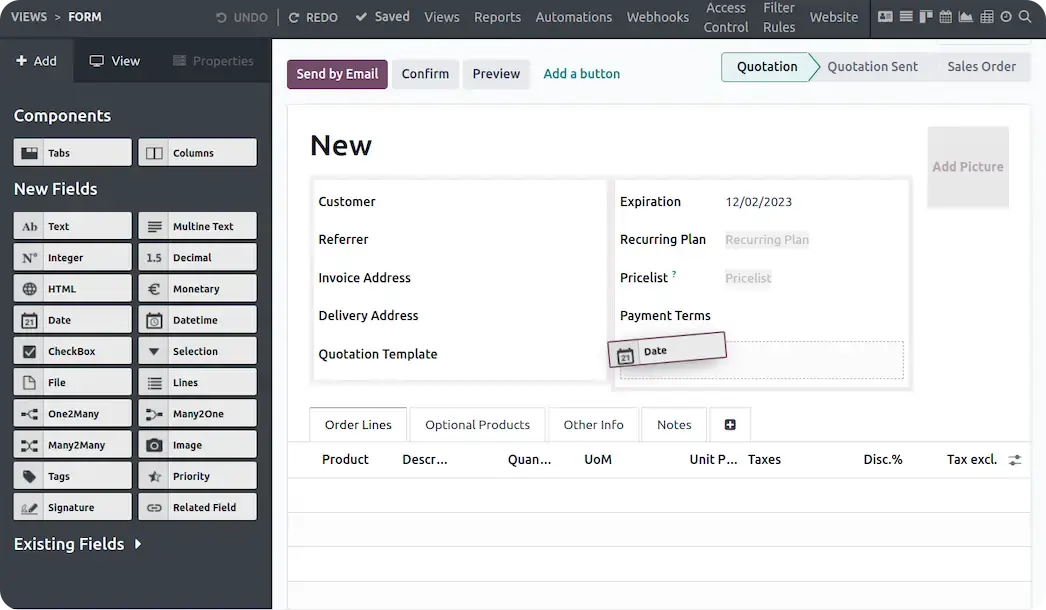
With 10+ years of Odoo experience and 500+ projects delivered, Softhealer configures Odoo Studio around how your team actually works from approval chains and custom reports to role-based access and new business apps.
Whether you need custom Odoo apps, approval workflows, report customization, or user-based access control, our team helps configure Odoo Studio around how your departments actually work.
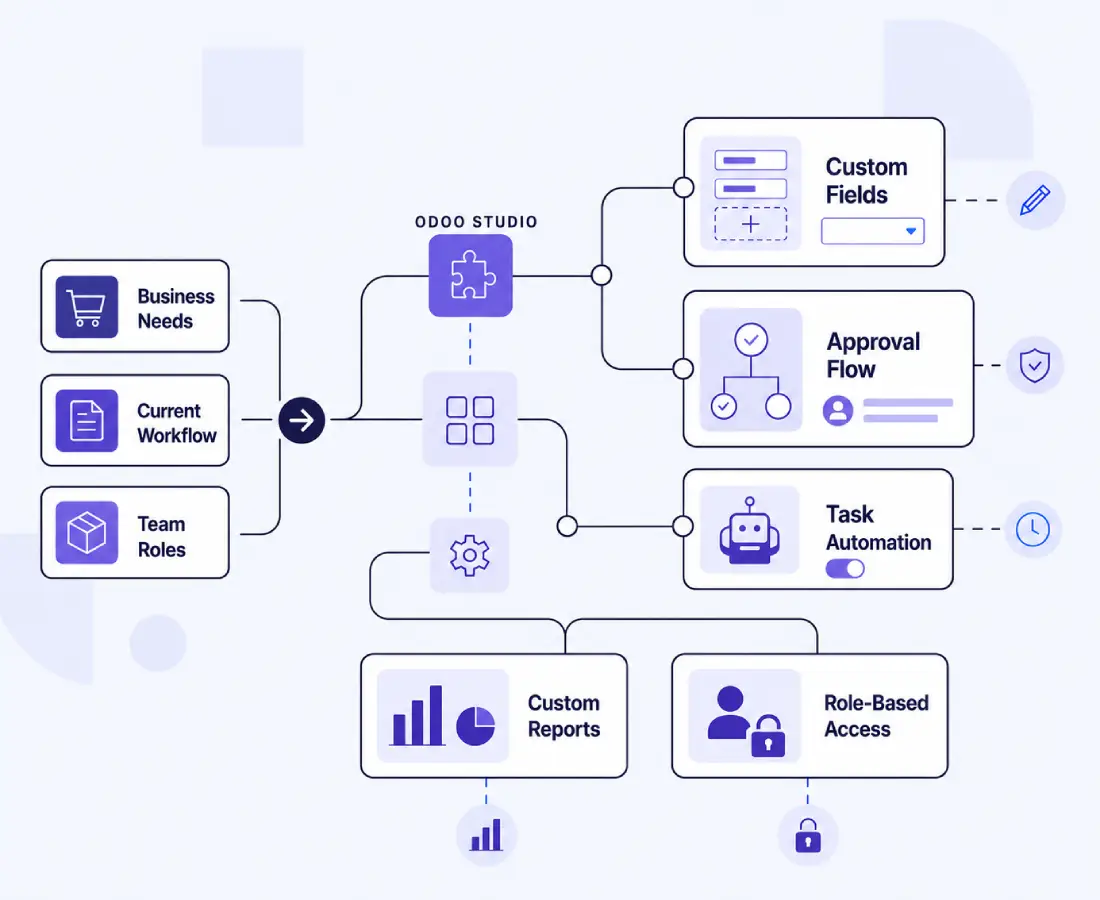
Softhealer combines certified Odoo Studio expertise with business-focused customization, automation, and reporting solutions. Every project is designed to improve usability, operational efficiency, and long-term system stability.
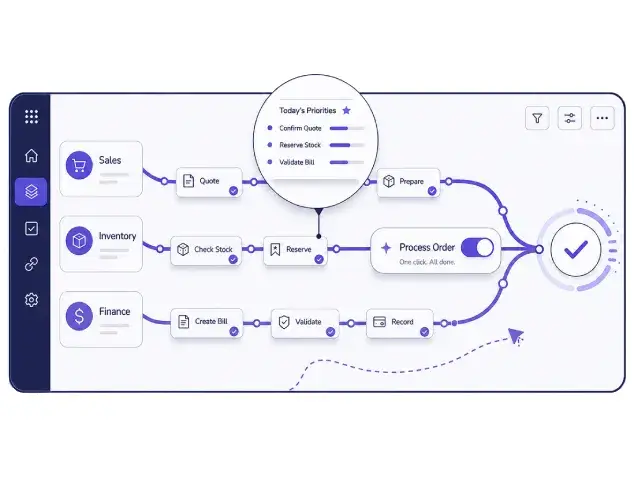
We build custom Odoo apps that are easier for teams to manage and use daily. The goal is to improve task visibility, reduce unnecessary steps, and support smoother department coordination.
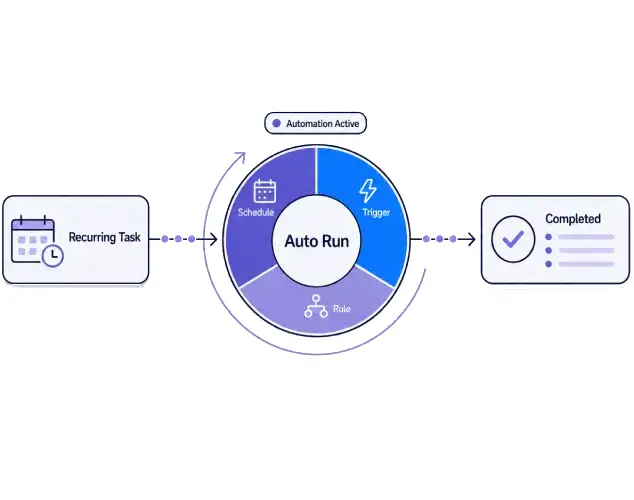
Automate recurring actions using scheduled tasks, triggers, and workflow rules inside Odoo Studio. This helps reduce manual follow-ups, improve task handling, and support better operational consistency.
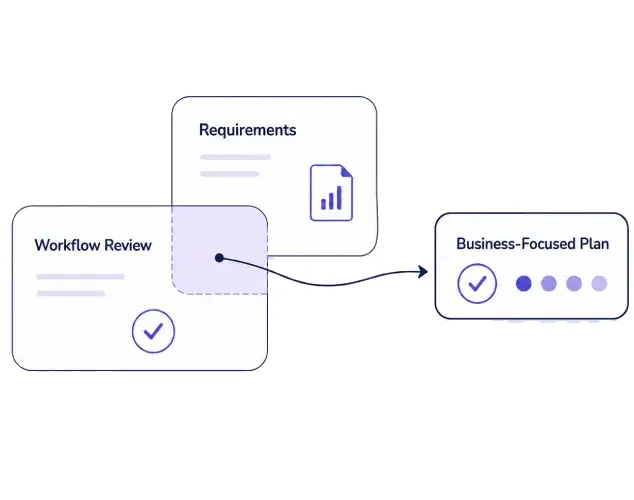
Every Odoo Studio customization project starts with workflow discussion and requirement review. This helps us align customizations with your approval flow, reporting needs, department structure, and operational process.
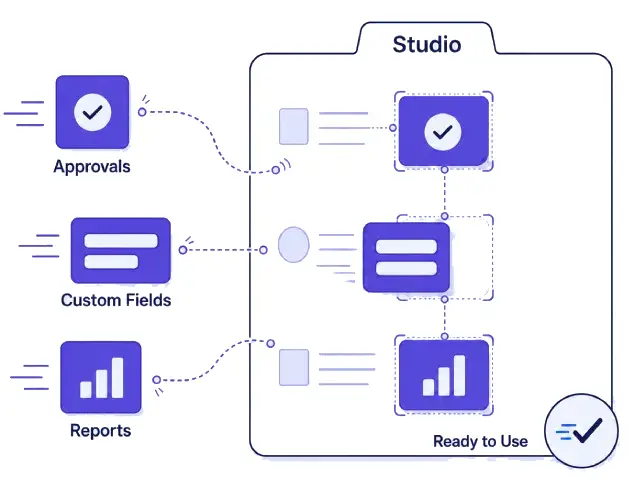
Softhealer uses Odoo Studio tools to deliver customization work more efficiently while keeping system performance and usability in focus. Businesses get practical Odoo Studio services without long development cycles.
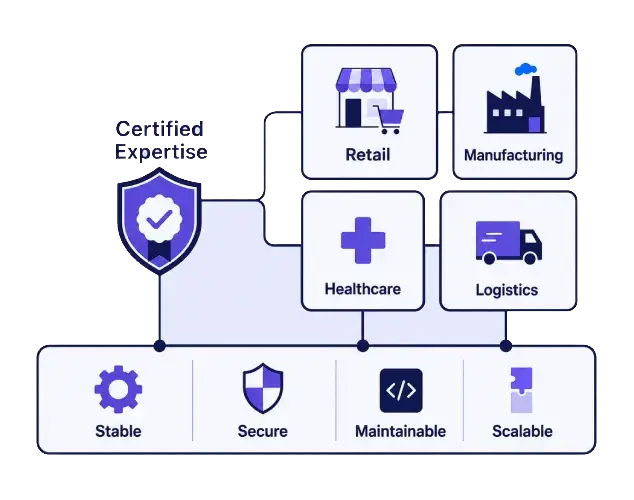
Our certified Odoo Studio specialists have delivered customizations for 20+ industries from retail and manufacturing to healthcare and logistics. Every project is scoped for stability and long-term maintainability.
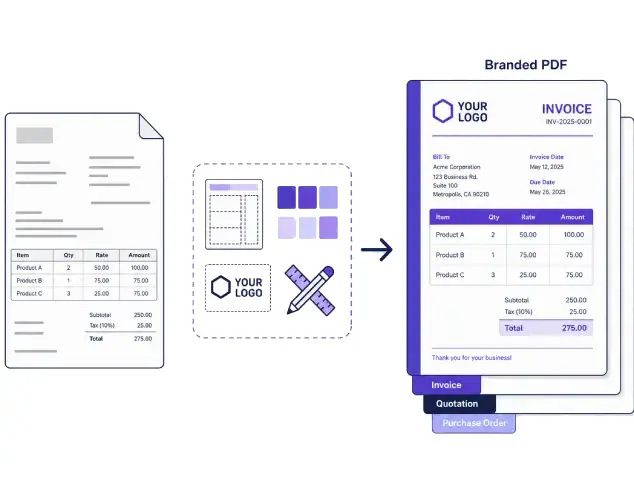
We customize invoices, quotations, purchase orders, and other reports with cleaner layouts and business branding. Softhealer helps businesses improve document clarity while keeping reports aligned with operational requirements.
Odoo Studio customization gives businesses more control over workflows, reporting, approvals, dashboards, and operational visibility without rebuilding the ERP system from scratch.
Add business-specific fields and organize layouts that match how your team manages daily tasks and records.
Customize form, kanban, calendar, graph, and list views to improve data visibility and simplify team workflows.
Create or adjust data models to organize operational information around your business process.
Set up Odoo workflow automation with triggers, scheduled actions, and automatic task handling.
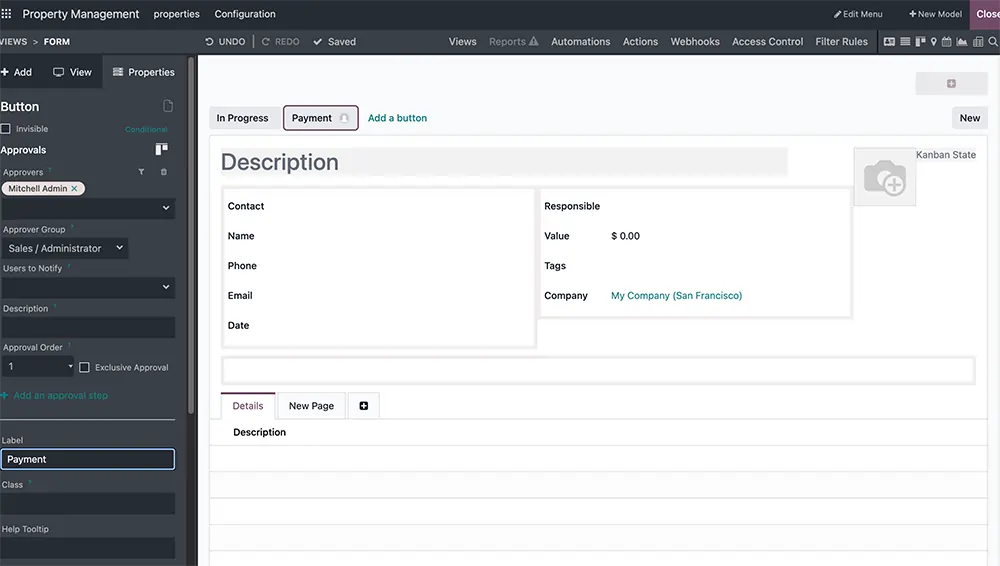
Build Odoo approval workflows for purchases, expenses, leaves, and other business actions that require process control.
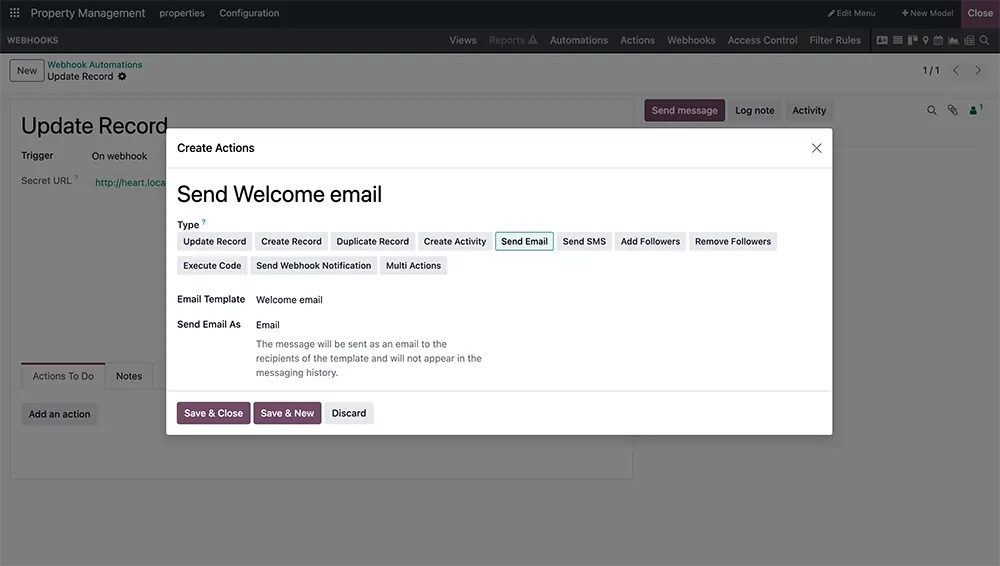
Use Odoo webhooks to connect external systems and support real-time updates across business platforms.
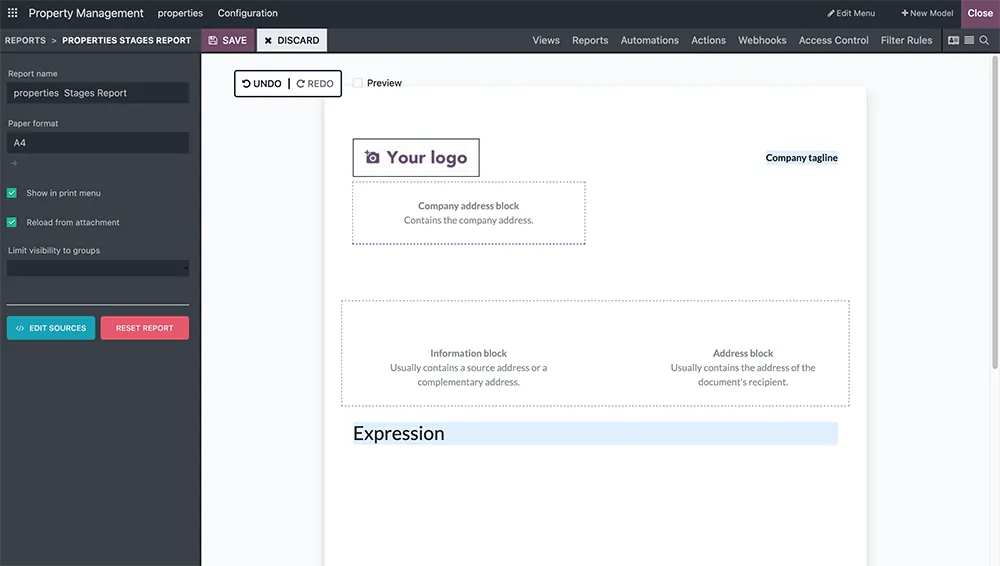
Manage Odoo PDF report customization for invoices, quotations, delivery orders, and branded business documents.
Control access permissions, user roles, and visibility rules to improve operational security and user management.
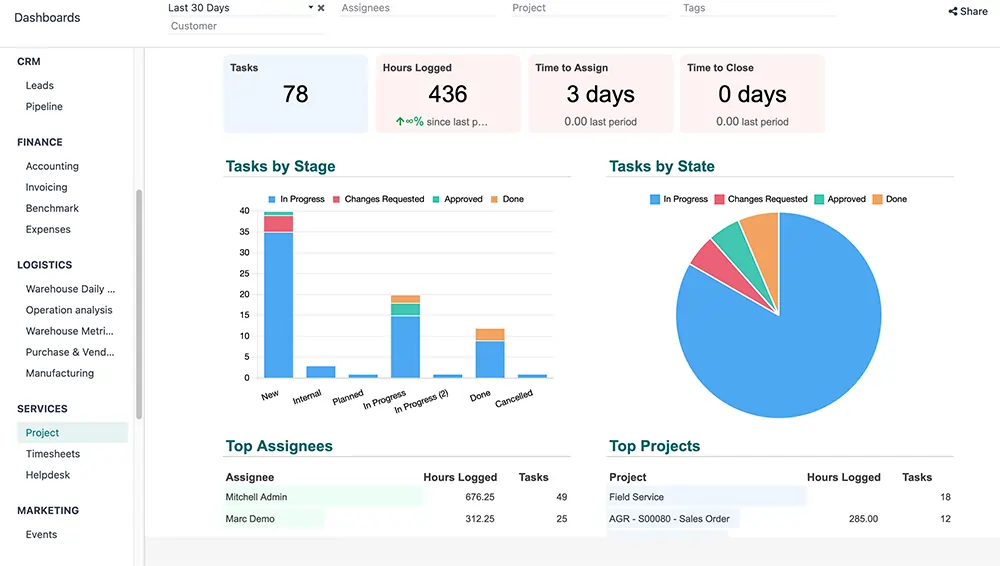
Create Odoo dashboards that display KPIs, reports, and business insights in one organized view.
Build custom Odoo apps using Odoo Studio for workflows that are not covered by standard modules.
Odoo Studio customization gives businesses more control over workflows, reporting, approvals, dashboards, and operational visibility without rebuilding the ERP system from scratch.
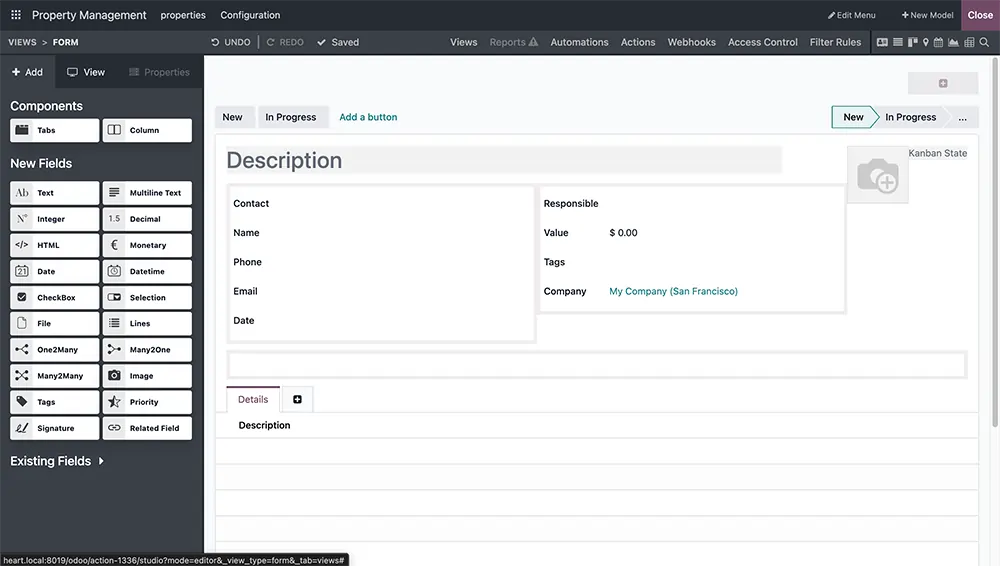
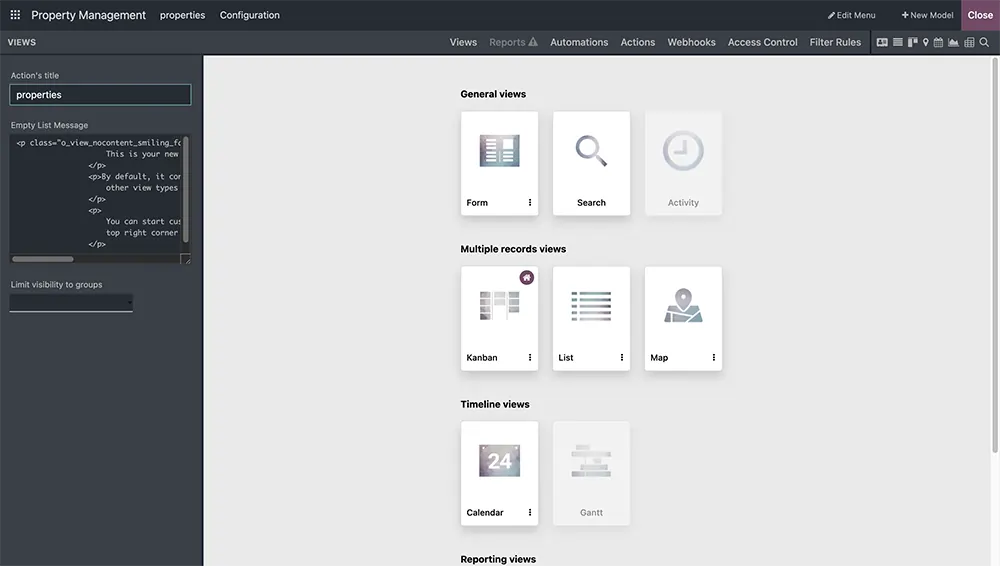
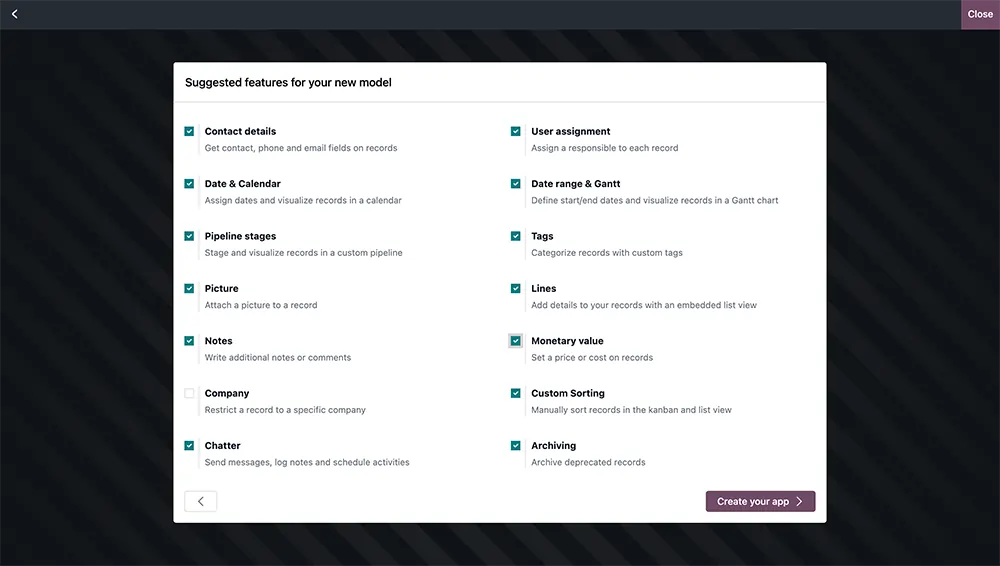
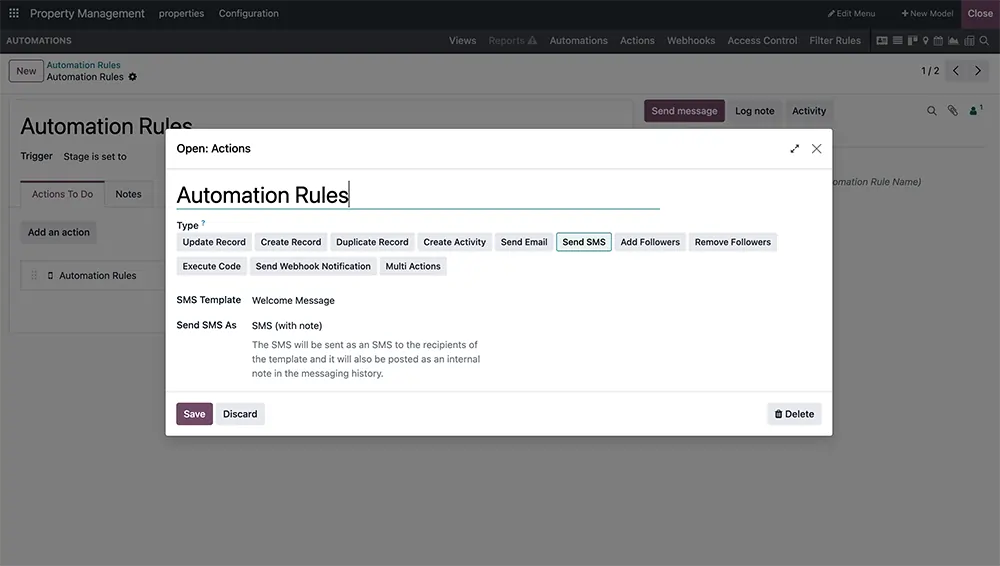

Our Odoo Studio customization services follow a structured process focused on workflow planning, testing, deployment, and support. Softhealer works closely with your team to make sure every customization fits daily operations and system usage requirements.
We review your current workflow, business process, reporting needs, and customization goals before planning the project.
Our team prepares sample layouts, automation logic, and customization structures inside Odoo Studio for review and feedback.
We configure and test the Odoo Studio customization carefully to ensure workflow accuracy, usability, and operational stability.
After deployment, Softhealer helps your team understand the updated workflow, dashboards, permissions, and system usage.
We continue supporting improvements, updates, workflow adjustments, and additional Odoo Studio services after launch.
Softhealer supports businesses across multiple industries with Odoo Studio customization services designed around operational workflows and department-level requirements.







Find clear answers about Odoo Studio customization, compatibility, timelines, and support.

Cost depends on the scope, number of custom fields, automation rules, reports, and apps needed. We offer a free consultation to scope your requirements and provide a clear estimate before any work begins.
No. Odoo Studio is a no-code/low-code tool that lets us customize your ERP without writing traditional code. This makes delivery faster and keeps customizations easier to maintain over time.
Odoo Studio customizations are generally more upgrade-friendly than hard-coded modules. Our team plans configurations with future Odoo version upgrades in mind to minimize rework.
We support Odoo Studio customization for all actively supported Odoo Enterprise versions, including Odoo 17, Odoo 18, and Odoo 19. Since Odoo Studio is available only with the Odoo Enterprise Edition.
Most projects are completed within 2 to 4 weeks, depending on complexity. Simple field additions and report changes can be done in days; full custom app builds take longer.
We recommend working on a staging environment first, then migrating tested customizations to your live system, minimizing disruption to your daily operations.
Our next-generation solutions are built to transform businesses and drive growth in the digital era.
530, West Gate 2,
Ayodhya Chowk, 150 Feet Ring Road Rajkot, Gujarat 360006.
131 South End, Croydon CRO 1BJ,
United Kingdom
HR : +91 90232 46069
Sales : +91 93288 25451
Sales : +44 7562 893296
