1. Installation Guide
Follow these step-by-step instructions to install and activate Autoryx on your Shopify store:
Download Theme Zip
Obtain your verified Autoryx-Theme-v1.1.0-Production.zip package from the Shopify Theme Store or your purchase dashboard.
Upload to Shopify
In Shopify Admin, navigate to Online Store > Themes. Click Add theme > Upload zip file and select the package.
Draft Customization
Click Customize on the draft theme to configure your logos, color palettes, and vehicle fitment settings without affecting live buyers.
Publish When Ready
Once you have previewed your products and navigation, click Publish to make Autoryx your active storefront theme.
2. Global Theme Settings
All global store controls are located under the Theme settings (gear icon) in the Theme Editor:
| Setting Group | Options & Range | Description & Best Practices |
|---|---|---|
| Logo & Favicon | 50px – 300px slider |
Upload your primary brand logo (SVG or high-res transparent PNG). Mobile width scales automatically. Upload a 32x32px or 96x96px PNG for your favicon. |
| Color Schemes | 5 presets (Background, Text, CTA Buttons, Borders, Shadows) | High-contrast, WCAG 2.1 AA compliant schemes designed specifically for technical dark mode and high-impact automotive storefronts. |
| Typography | Shopify Font Library + Scale sliders (100% – 150%) | Select independent typefaces for Headings and Body text. High-performance system web fonts or Google/Monotype web fonts via Shopify CDN. |
| Layout & Spacing | Max width: 1000px – 1600px, Grid gap: 8px – 40px |
Controls the master grid container width and space between column blocks across desktop and tablet viewports. |
| Animations | Reveal on scroll (Toggle) | Hardware-accelerated CSS reveals. Automatically suppressed when buyers enable prefers-reduced-motion in OS accessibility settings. |
| Buttons & Variant Pills | Radius: 0px – 40px, Border thickness: 1px – 4px |
Customize angular motorsport button borders or modern rounded pill shapes for product option selectors. |
| Product & Blog Cards | Style (Standard / Card), Alignment, Image ratio (Adapt/Square/Portrait) | Controls aspect ratio, hover image swap, vendor display, stock status badges, and quick-add button visibility on catalog cards. |
| Badges | Position (Top Left / Right / Bottom), Sale & Sold Out styles | Visual badges indicating discounts, out-of-stock items, guaranteed vehicle fitment, and universal components. |
| Cart Experience | Drawer (Slide-out), Notification Popup, Page redirect | Choose between an AJAX side-drawer with order notes and free-shipping threshold calculator, or a dedicated /cart redirect. |
| Social Media | 15 platforms (Instagram, YouTube, TikTok, Facebook, X, etc.) | Add account links to display official brand social icons in header announcement bars and footer columns. |
3. Sections & Dynamic Blocks
Autoryx is engineered with Shopify Online Store 2.0 modular architecture. Add, remove, and reorder any of the following native sections on your templates:
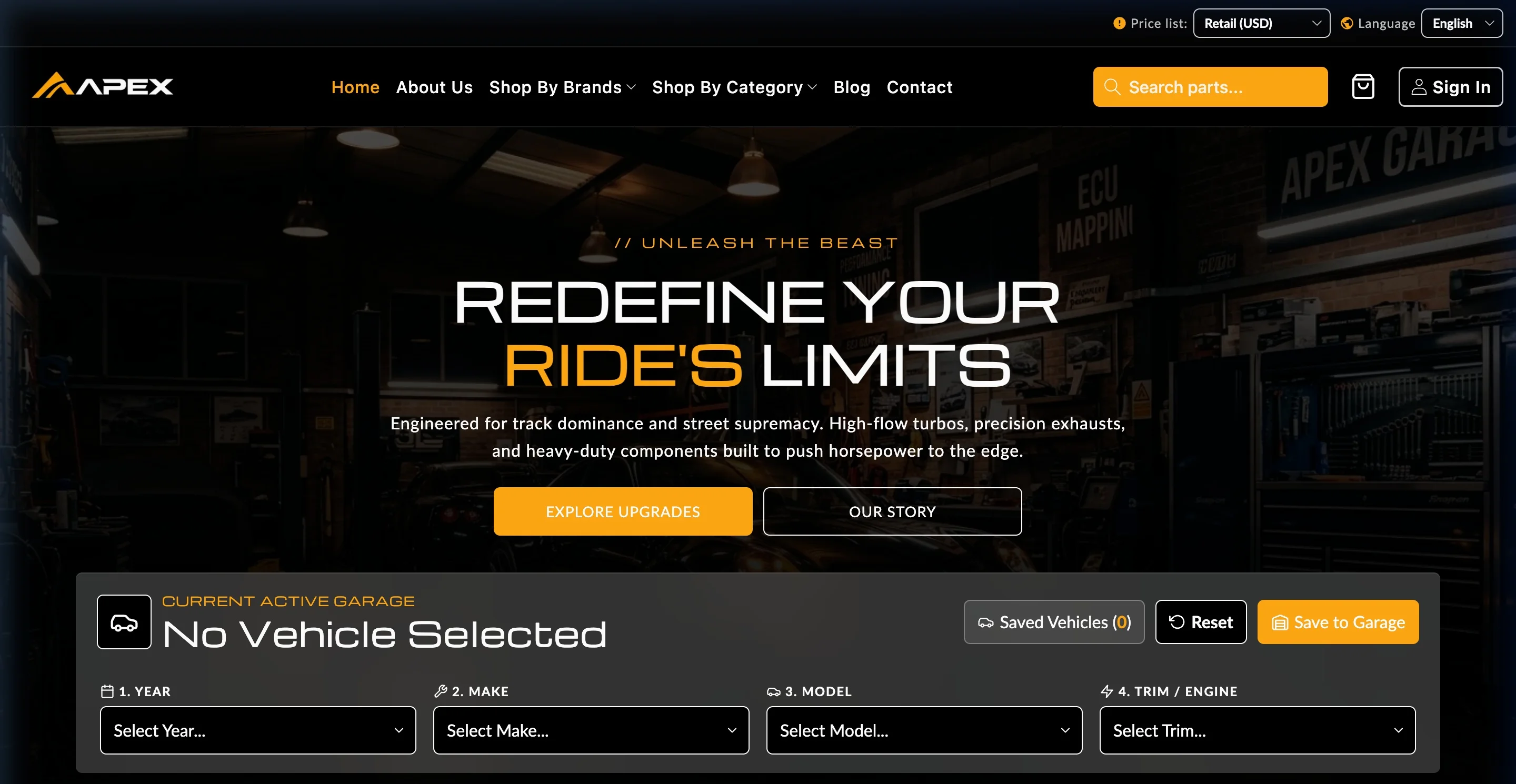
- Hero Banner: Motorsport visual presentation with optional integrated Garage Vehicle Selector.
- Featured Products & Best Sellers: Category-tabbed carousels with quick-buy modals and live stock indicators.
- Core Disciplines: Dense category grid highlighting primary departments (Exhaust, Brakes, Suspension, Turbo, Wheels).
- Brand Marquee: Continuous hardware-accelerated ticker displaying verified manufacturer and OEM logos.
- Visual Configurator: Interactive vehicle hotspot schematic mapping components to exact product records.
- Support Network & Facility Locator: Interactive engineering workshop directory and contact dispatch forms.
4. Vehicle Fitment Setup (PDP Block)
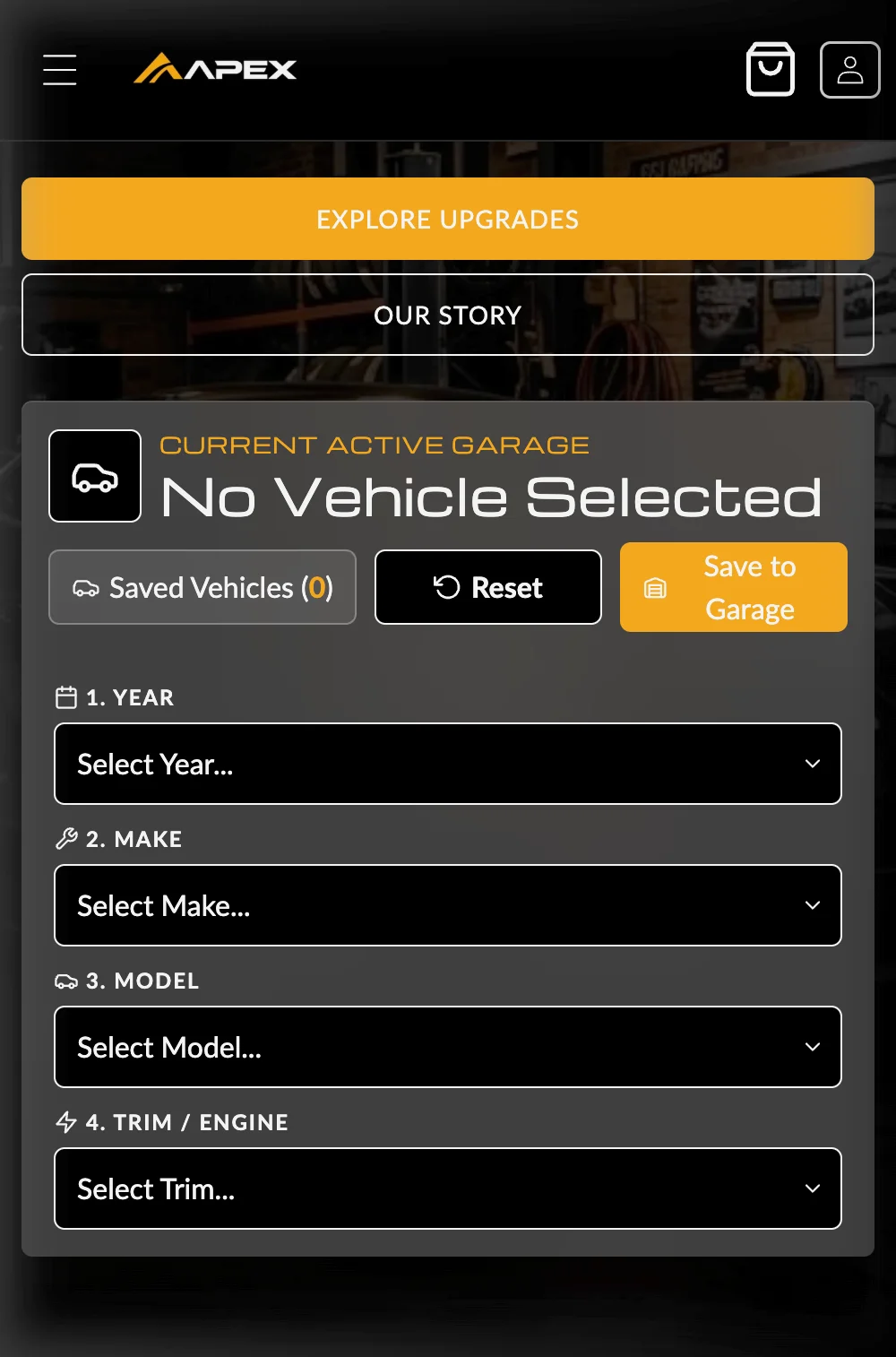
Accurate vehicle fitment prevents costly returns and builds buyer confidence. Autoryx provides a complete YMM (Year / Make / Model / Trim) compatibility system:
Metafield Definition
In Shopify Settings > Custom data > Products, create a list metafield custom.compatible_vehicles with type Single line text (List of values).
Assign Fitment Data
Populate values on each product in format: Year Make Model Trim (e.g., 2021 BMW M3 Competition, 2022 Porsche 911 GT3).
Universal Components
For universal parts (fluids, tools, tire valves, clamps), add product tag universal or universal fit to automatically show the universal badge.
Fitment Badge Indicators:
- Guaranteed Fit (Green Badge): Displayed when the buyer's active garage vehicle matches an entry in the product's compatibility metafield.
- Does Not Fit (Red Badge): Clearly warns the buyer before adding to cart that the item is incompatible with their selected vehicle.
- Universal Fitment (Amber Badge): Confirms that the product fits all vehicles regardless of make or model.
- Check Fitment (Gray Badge): Prompts the customer to select their vehicle in the garage selector dropdown.
5. Part Specifications & OEM Table
Automotive enthusiasts demand exact technical specifications before purchasing. The Part specifications block dynamically renders an OEM specification table on Product Detail Pages:
| Technical Attribute | Primary Metafield Source | Fallback Behavior |
|---|---|---|
| SKU / Part Number | Selected Variant SKU | Product SKU / APX Part Number |
| OEM Interchange | Metafield custom.oem_number | Block setting custom fallback |
| Material & Alloy | Metafield custom.material | Block setting custom fallback |
| Placement / Axle | Metafield custom.placement | Front / Rear / All 4 Corners |
| Country of Origin | Variant Harmonized System (HS) Code | Merchant settings default |
| Warranty Coverage | Metafield custom.warranty_period | Storewide warranty policy link |
7. Cart Configuration
In Theme settings > Cart, choose the best conversion flow for your automotive store:
- Drawer (Slide-out): Recommended AJAX slide-out cart allowing rapid quantity changes, order notes, shipping calculator, and free-shipping threshold bar without leaving the product page.
- Notification: Non-intrusive notification toast confirming item added with instant "Checkout" CTA button.
- Page: Traditional direct redirect to the full
/carttemplate.
8. Multilingual Markets & Currencies
Autoryx includes complete, professional translation dictionaries for 32 international languages (English, German, French, Spanish, Japanese, Chinese, Arabic RTL, Italian, Dutch, Portuguese, etc.).
- Manage languages in Shopify Admin > Settings > Languages.
- Manage global currencies and pricing rules in Shopify Admin > Settings > Markets.
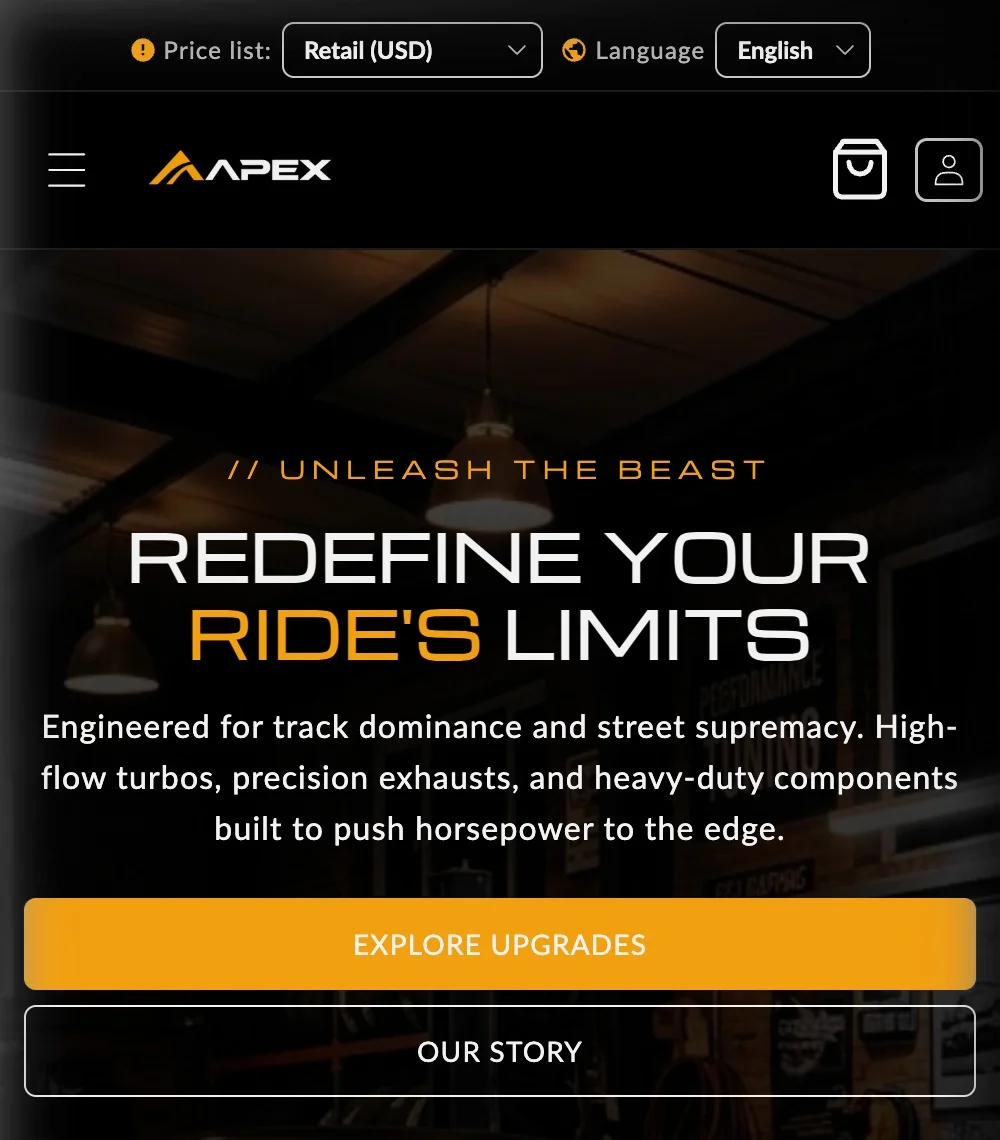
- Header country/currency and language pickers appear automatically when multiple markets are enabled.
9. Frequently Asked Questions (FAQ)
- How does the garage vehicle selector remember customer choices?
- The customer's chosen Year, Make, Model, and Trim are stored securely in their browser's
localStorage. It persists throughout their browsing session and dynamically updates compatibility badges across catalog grids and product pages. - Can I bulk import vehicle fitment compatibility data?
- Yes. You can export your product CSV from Shopify, populate the
custom.compatible_vehiclesmetafield column with comma-separated vehicle strings, or use standard Shopify CSV import tools and matrix apps. - How do I designate a product as Universal Fit?
- Simply add the tag
universaloruniversal fitto the product in your Shopify Admin. Autoryx will automatically render the amber Universal Component badge. - Do I need to purchase a translation app for multi-currency or multi-language stores?
- No. Autoryx ships with native translation files for 32 languages. When you publish a new language via Shopify Markets, Autoryx supplies the localized UI strings automatically.
- How do I update to newer theme versions?
- Upload the updated zip under Online Store > Themes > Add theme > Upload zip file. Customize the draft and publish. Your existing theme remains in your Theme Library as a secure backup.
- Where do I customize fonts and typography?
- Navigate to Theme settings > Typography. You can choose any font from the extensive Shopify Font Library for both headings and body text with independent font scaling.
- Why are collection page filters not displaying?
- Filters require the free Shopify Search & Discovery app. Once installed, navigate to the Filters menu in the app and select your filter attributes (Availability, Price, Brand, Metafields).
- Can I add custom CSS styling without editing theme core files?
- Yes. Shopify Online Store 2.0 provides a dedicated Custom CSS panel within each section and block in the Theme Editor, preventing overwrite conflicts during future theme updates.
10. Troubleshooting Guide
Fitment badge displays "Check Fitment"
Cause: No vehicle is currently selected in the customer garage, or the product lacks compatibility metafield values.
Fix: Select a vehicle via the garage dropdown on the homepage/header, or ensure the product has entries in custom.compatible_vehicles.
Filters missing or empty on collection pages
Cause: Storefront filters have not yet been activated in Shopify Admin.
Fix: Install the official Shopify Search & Discovery app. Go to Filters and add your preferred facets (e.g. Price, Brand, Stock Status).
Slide-out cart drawer does not open on Add to Cart
Cause: Theme cart type is set to "Page" or "Notification", or a 3rd-party script has intercepted AJAX events.
Fix: Go to Theme settings > Cart and confirm Cart type is set to Drawer. If an app is conflicting, test in theme preview mode with apps disabled.
Product images look blurry or stretched
Cause: Image asset resolution is below recommended dimensions.
Fix: Upload high-resolution images of at least 1600x1600px square for products, and 2400x1200px for hero banners and background visuals.
Language switcher does not appear in header
Cause: Only one storefront language is currently published.
Fix: Go to Shopify Admin > Settings > Languages and publish at least two languages. The language selector will display automatically.
11. Support Policy & SLA
We are dedicated to providing responsive, expert assistance to ensure your store succeeds with Autoryx.
Coverage Scope:
- Included: Investigation and resolution of theme bugs, fixing verified theme defects, assistance with built-in theme settings, and guidance on standard theme features.
- Excluded: Custom theme code additions or redesigns, bespoke third-party script integrations, and troubleshooting issues caused by third-party apps or server downtime.
Support Hours & Response SLA:
- Response SLA: Guaranteed first response within 2 business days (Monday – Friday, 09:00 – 18:00 UTC).
- Direct Support Desk: Submit a ticket via our Online Support Form (includes automated ticket receipt & tracking).
- Direct Support Email: [email protected]
- Fair Pricing Transparency: All theme-related bug fixes and core setting support are included with your theme purchase. Customization and third-party app setups are not included.
