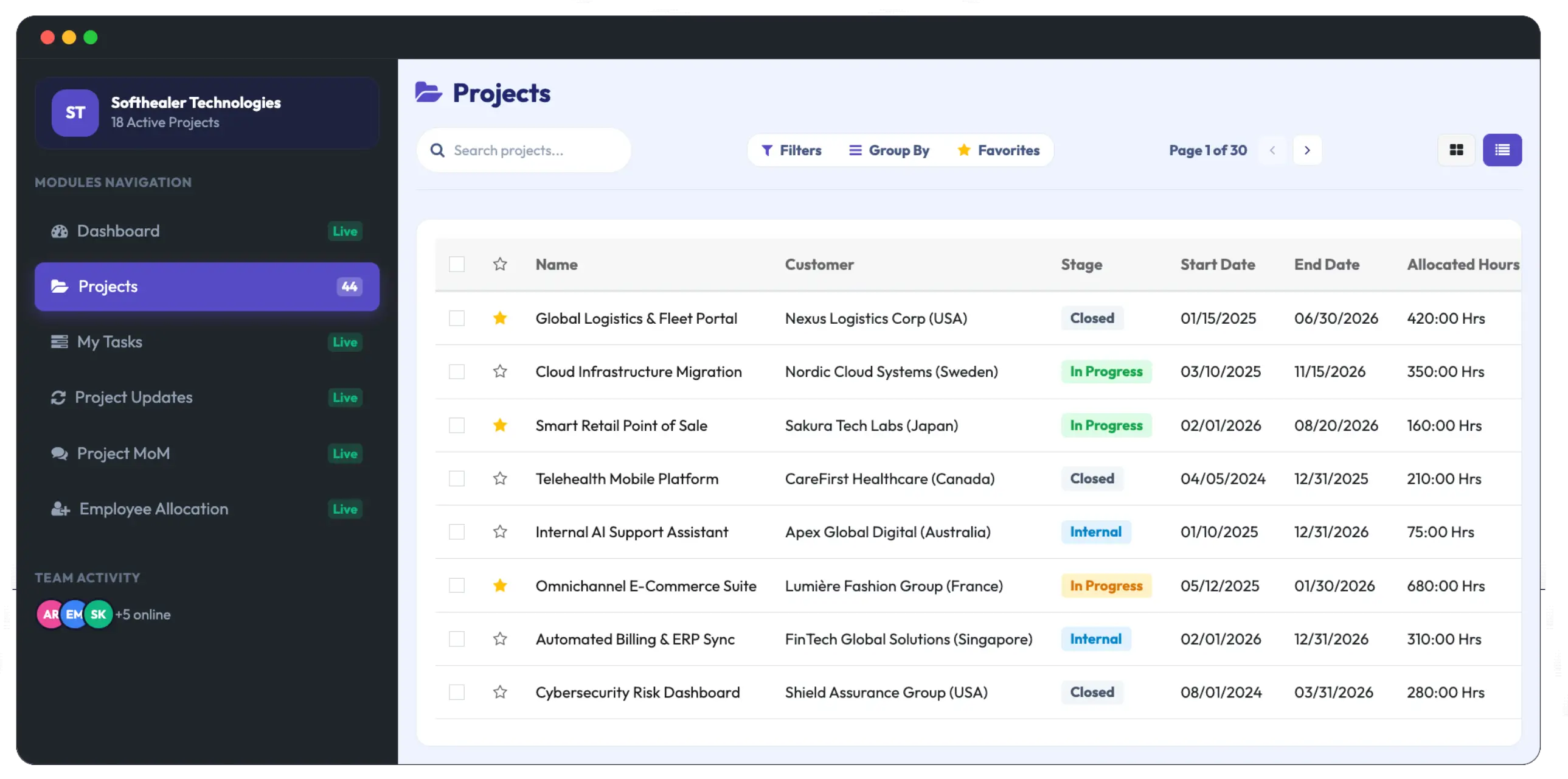
What Is a Project Management System?
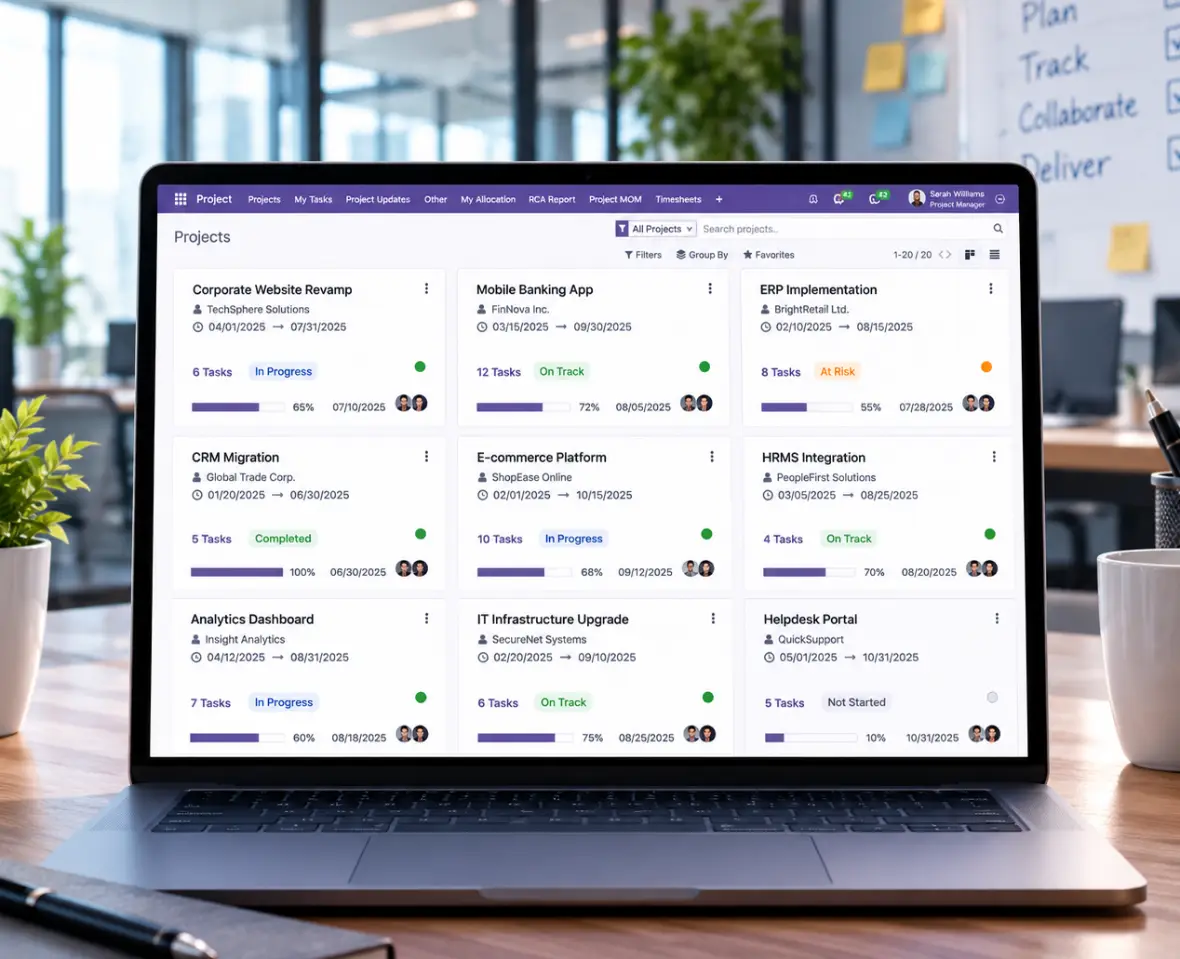
A Project Management System is a software solution that helps businesses plan, organize, execute, and track projects from one place. It brings projects, tasks, milestones, deadlines, team assignments, checklists, documents, and progress tracking into a single platform.
A Project Management Tool gives teams a clear structure for managing daily project activities. From project planning and task assignment to project tracking and completion, teams can manage each stage while keeping responsibilities and deadlines visible.
The Challenges
Say Goodbye to Scattered Project Work
Managing projects across spreadsheets, emails, and separate tools can make it difficult to keep tasks, deadlines, documents, and team activities aligned.
Without a Project Management System
Scattered Project Information: Tasks, documents, and updates are spread across different tools.
Unclear Task Ownership: Team members may not know who is responsible for each task.
Limited Project Visibility: Managers have to check different tools to understand project progress.
Manual Project Updates: Updating multiple projects and tasks individually takes additional effort.
Difficult Time Tracking: Tracking time spent on individual tasks can be inconsistent.
With Our Project Management System
One Central Workspace: Manage projects, tasks, checklists, documents, and milestones in one place.
Clear Task Assignment: Assign tasks to specific team members or multiple users.
Project Progress Visibility: Track stages, milestones, tasks, and progress from one system.
Bulk Project Management: Update multiple projects, stages, and tasks from a centralized workflow.
Project Time Tracking: Track task duration and time spent on project activities.
Project Management features
Key Features of Our Project Management Software
Manage every part of your project with features designed for planning, task management, team coordination, and progress tracking.

Project Planning & Management
Create projects, define stages, set milestones, manage priorities, and organize project categories.

Task Management
Create tasks and subtasks, assign responsibilities, set deadlines, manage priorities, and track task progress.
Project Team Management
Create project teams, assign team members, and assign tasks to multiple users when work requires collaboration.

Project & Task Documents
Keep important documents connected to their related projects and tasks for easier access and management.
Checklists & Templates
Create project and task checklists, use checklist templates, and import checklists through CSV or XLS files.

Time & Progress Tracking
Track task duration, monitor project and task progress, and record time spent on project activities.

Automation & Notifications
Automate task assignments and stages, receive overdue task notifications, and manage multiple projects or tasks with bulk updates.

Meetings & CRM Integration
Create meetings from project tasks, create tasks from CRM leads, access the calendar from task meetings, and receive duplicate meeting warnings.
Time Savings Calculator
Estimate Your Project Management Time Savings
Adjust the sliders to estimate how much time your team spends on project updates and administration each week.


Key Benefits
Benefits of Project Management Software
A well-structured Project Management Software gives teams better control over their daily project activities and helps keep work organized from planning to completion.






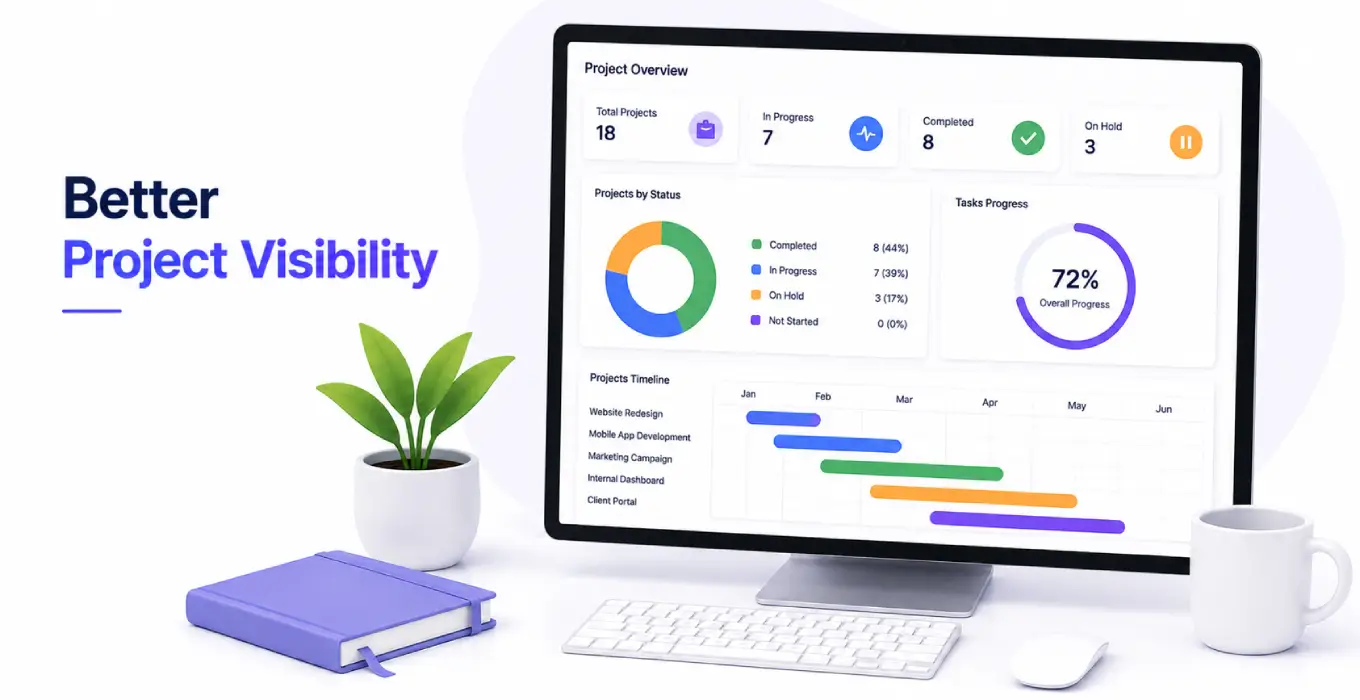
Better Project Visibility
Get a clear view of project stages, milestones, tasks, deadlines, and progress. Keep your team informed with project information in one place.
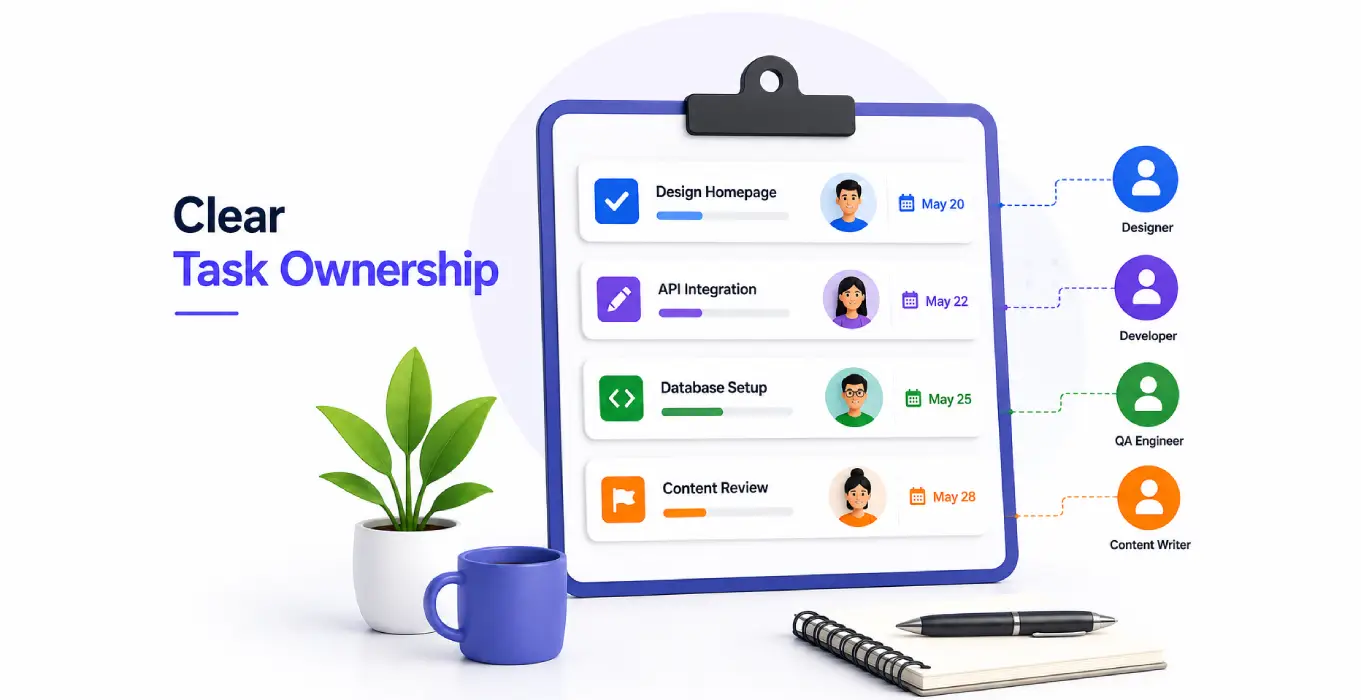
Clear Task Ownership
Assign tasks to the right team members and make responsibilities clear. Ensure everyone knows what they need to work on and when it is due.
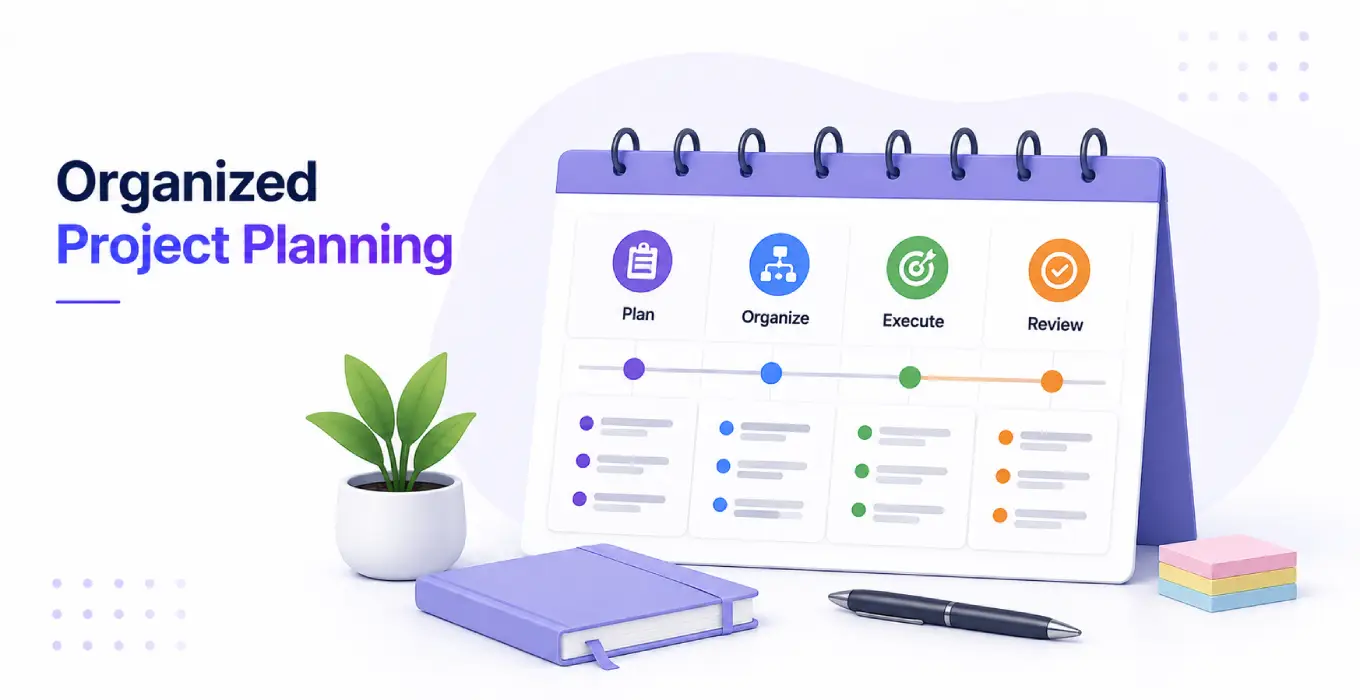
Organized Project Planning
Structure projects with defined stages, milestones, priorities, and checklists. Keep project plans organized and easy to follow from start to finish.
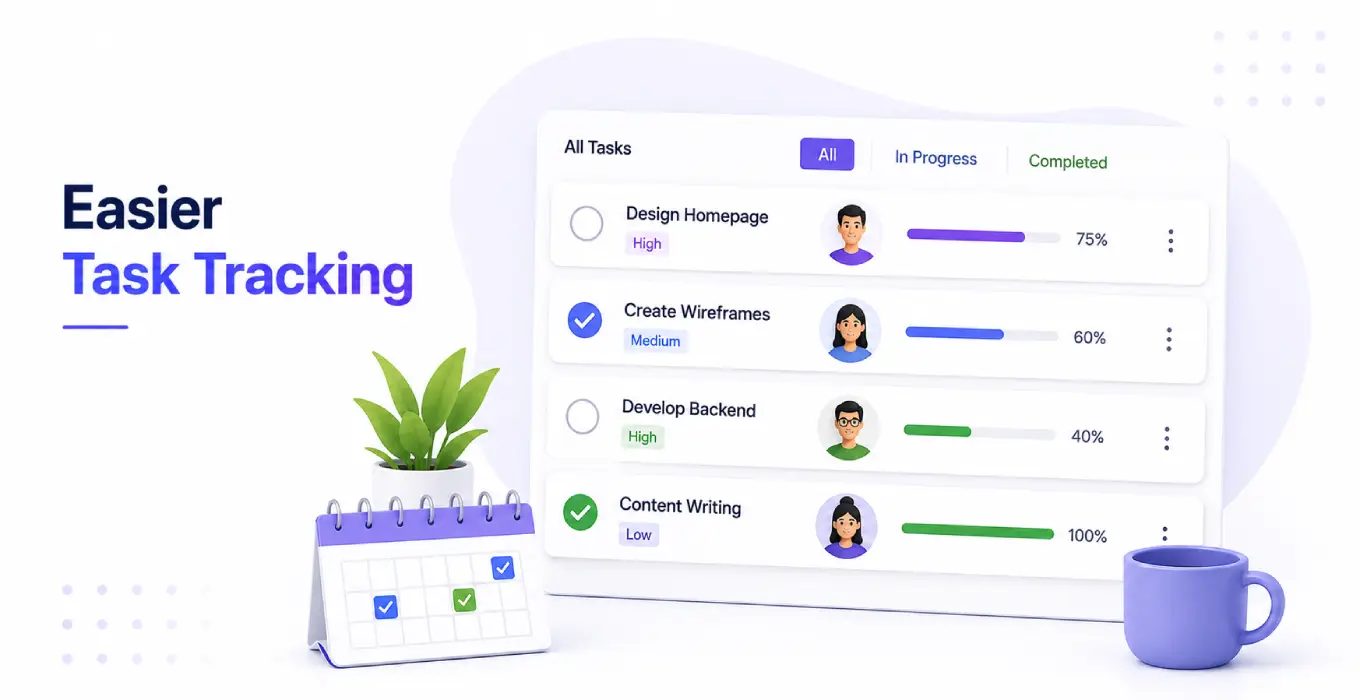
Easier Task Tracking
Monitor tasks, subtasks, deadlines, and completion status from one place. Keep track of ongoing work without switching between different tools.
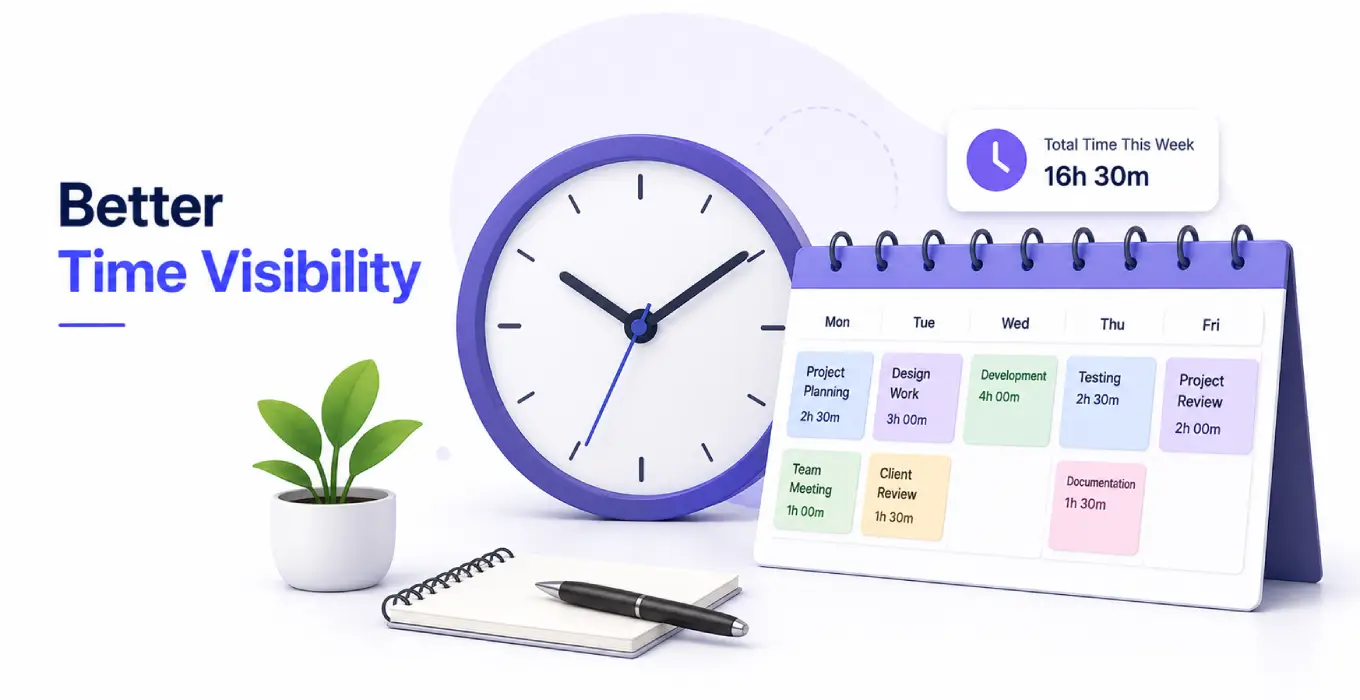
Better Time Visibility
Track time spent on individual tasks and project activities with built-in time tracking. Understand where your team's working hours are being used.
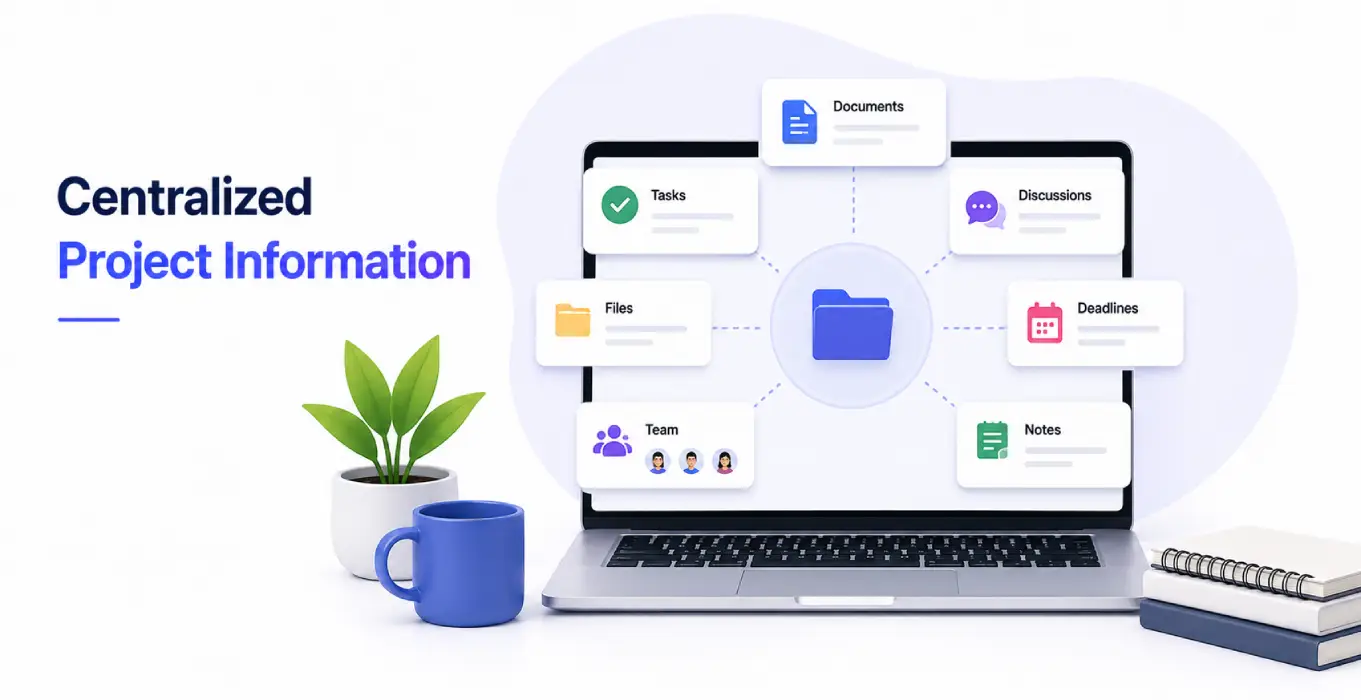
Centralized Project Information
Keep documents, task details, checklists, and project information connected in one system. Give your team quick access to the information they need.
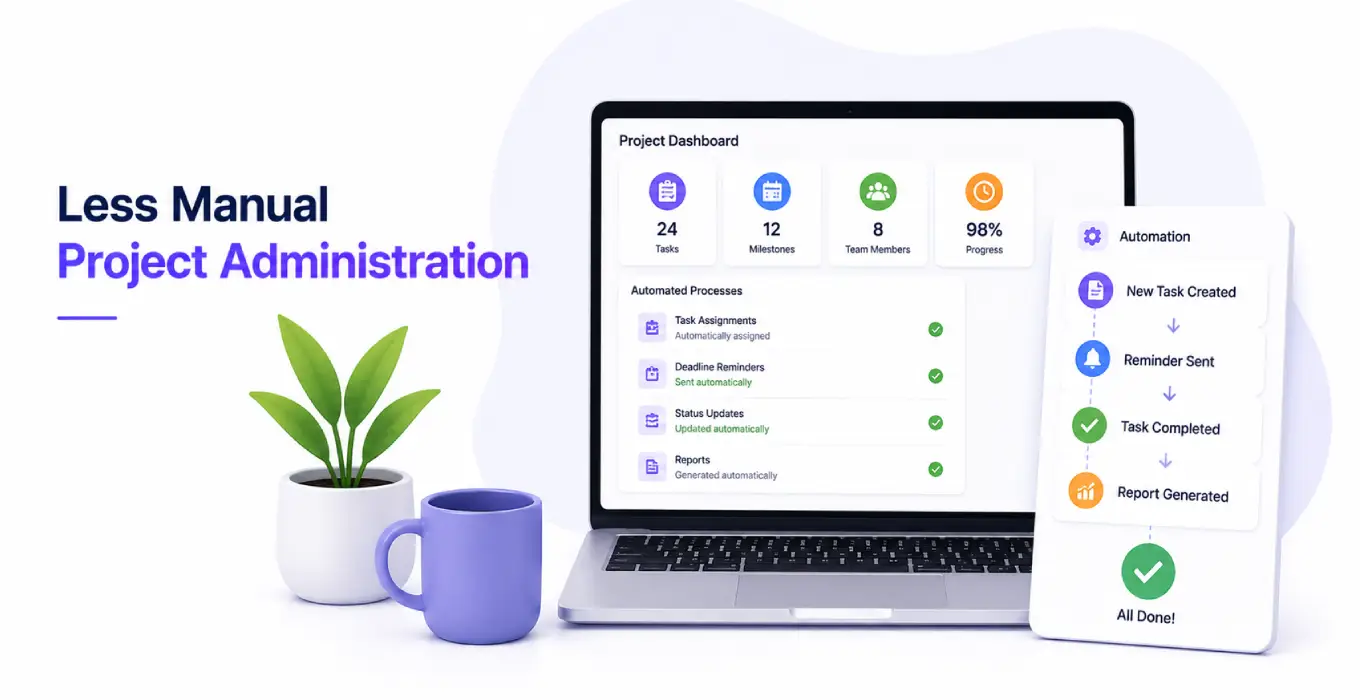
Less Manual Project Administration
Automate task assignments, notifications, and routine updates to reduce manual work. Spend less time managing project administration and more time getting work done.
Better Project Visibility
Get a clear view of project stages, milestones, tasks, deadlines, and progress. Keep your team informed with project information in one place.
Clear Task Ownership
Assign tasks to the right team members and make responsibilities clear. Ensure everyone knows what they need to work on and when it is due.
Organized Project Planning
Structure projects with defined stages, milestones, priorities, and checklists. Keep project plans organized and easy to follow from start to finish.
Easier Task Tracking
Monitor tasks, subtasks, deadlines, and completion status from one place. Keep track of ongoing work without switching between different tools.
Better Time Visibility
Track time spent on individual tasks and project activities with built-in time tracking. Understand where your team's working hours are being used.
Centralized Project Information
Keep documents, task details, checklists, and project information connected in one system. Give your team quick access to the information they need.
Less Manual Project Administration
Automate task assignments, notifications, and routine updates to reduce manual work. Spend less time managing project administration and more time getting work done.
Project Workflow
Project Management Workflow: From Planning to Completion
A clear project workflow helps teams understand what needs to be done, who is responsible, and how the project is progressing. With our Project Management Software, teams can manage each stage of the workflow in one place.
Project Planning
Set project goals, priorities, milestones, and stages before work begins.
Task Creation
Create tasks and subtasks with deadlines, checklists, and required details.
Task Assignment
Assign tasks to the right team members and define clear responsibilities.
Project Execution
Move tasks through project stages and manage ongoing work and checklist items.
Project Tracking
Track task status, milestones, deadlines, progress, and time spent on project activities.
Project Completion
Review completed work, generate project reports, and close the project when work is complete.
Built For Every Team
Who Can Use Project Management Software?
Project Management Software can support teams that manage ongoing projects, multiple tasks, deadlines, and shared responsibilities. It can be used across different industries and departments.

IT & Software Teams
Manage development projects, tasks, milestones, stages, and team assignments.

Marketing Teams
Plan campaigns, assign content and creative tasks, manage deadlines, and track progress.

Professional Services
Manage client projects, tasks, documents, meetings, and time spent on project work.

Operations Teams
Coordinate internal projects, assign responsibilities, and track ongoing operational activities.
Sales Teams
Create project tasks from CRM leads and connect project activities with meetings.

Cross-Functional Teams
Bring different team members together to manage shared projects, tasks, milestones, and deadlines.
Project Managers
Plan projects, coordinate teams, monitor progress, manage deadlines, and keep every project activity on track from start to completion.
Questions People Usually Ask
Clear, straightforward answers about how our affiliate tracking and payout automation works.
Still have questions? Contact usA Project Management System is software that helps businesses plan, organize, assign, and track projects, tasks, milestones, deadlines, and team activities from one place.
Project management covers the complete project, including planning, milestones, teams, deadlines, and progress. Task management focuses on the individual activities required to complete the project.
Yes. You can assign a single task to multiple team members when different users need to work on the same task.
Yes, you can track each employee’s time at the task level. With Odoo integration with employee monitoring software , you can also monitor real-time employee activity data and see how employees spend their time across different projects and tasks.
Yes. You can create milestones and manage different project and task stages to track project progress.
Yes. You can manage documents at both the project and task levels.
